Finance
2 pages, about 1 min to read
Start with Add a bill
1 Add a bill
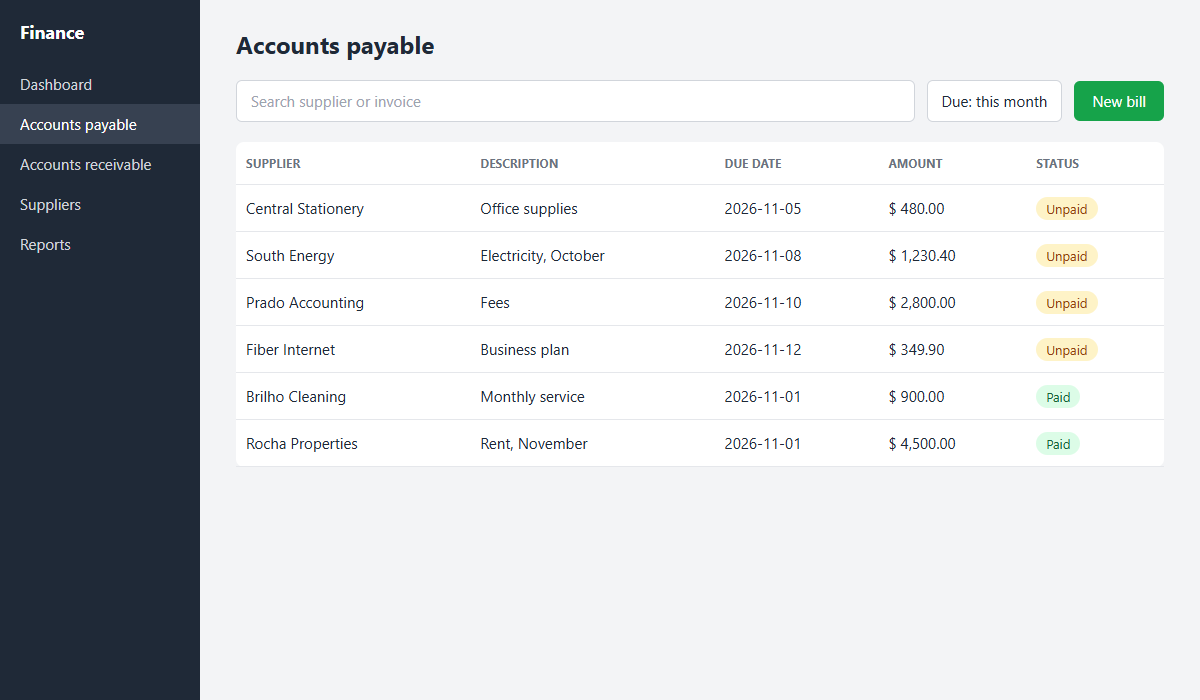
Use this screen to record an expense before it is due.
- Open Accounts payable in the side menu.
- Click New bill.
- Fill in supplier, amount and due date. The bill shows in the list as Unpaid.
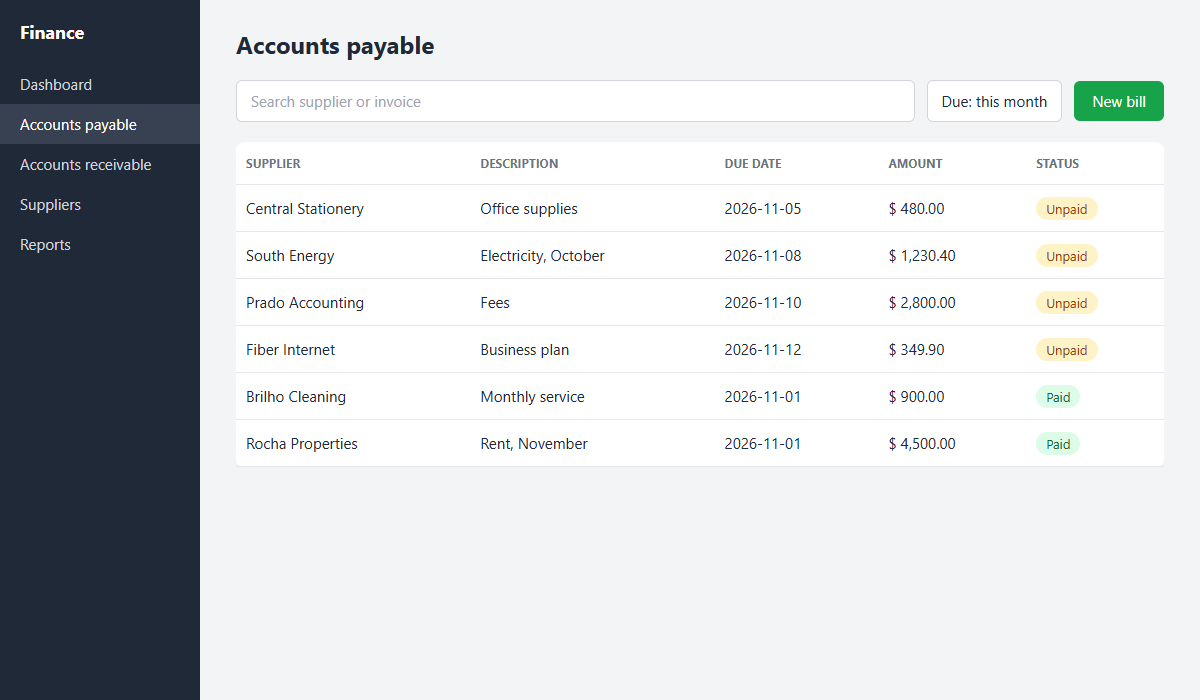 Open the image at full size1Open Accounts payable2Click New bill3The bill shows as Unpaid
Result: the bill stays in the list and goes into the month's report.
2 Check the month's bills
After adding, check that everything made it into the list.